

File Viewer Max
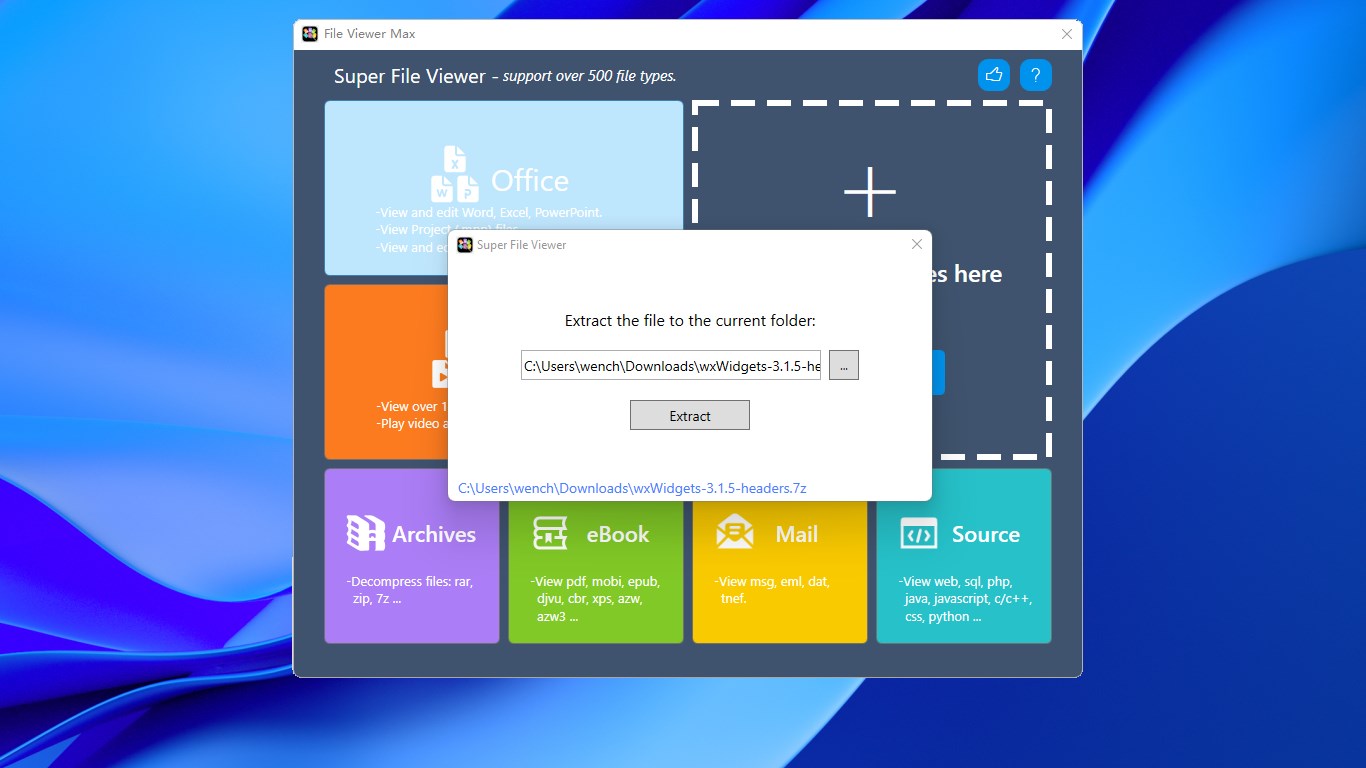
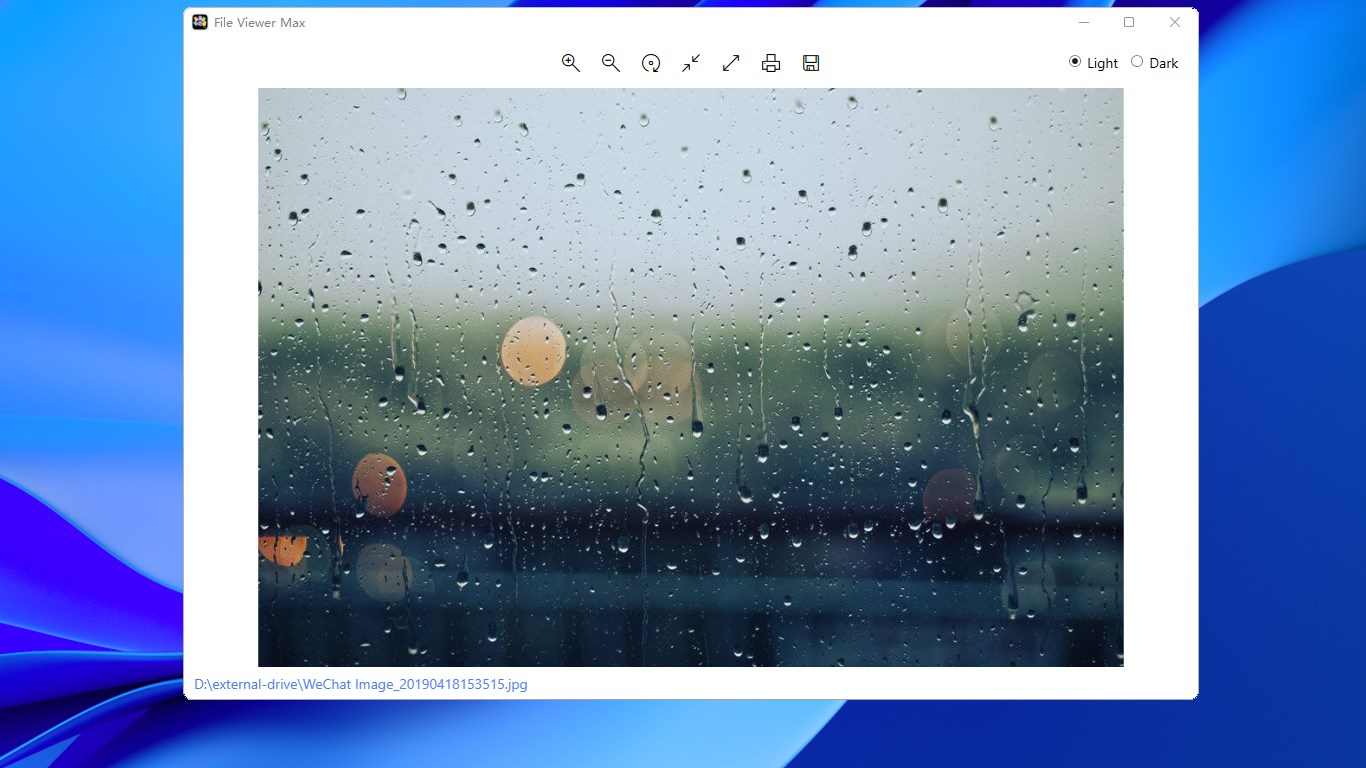
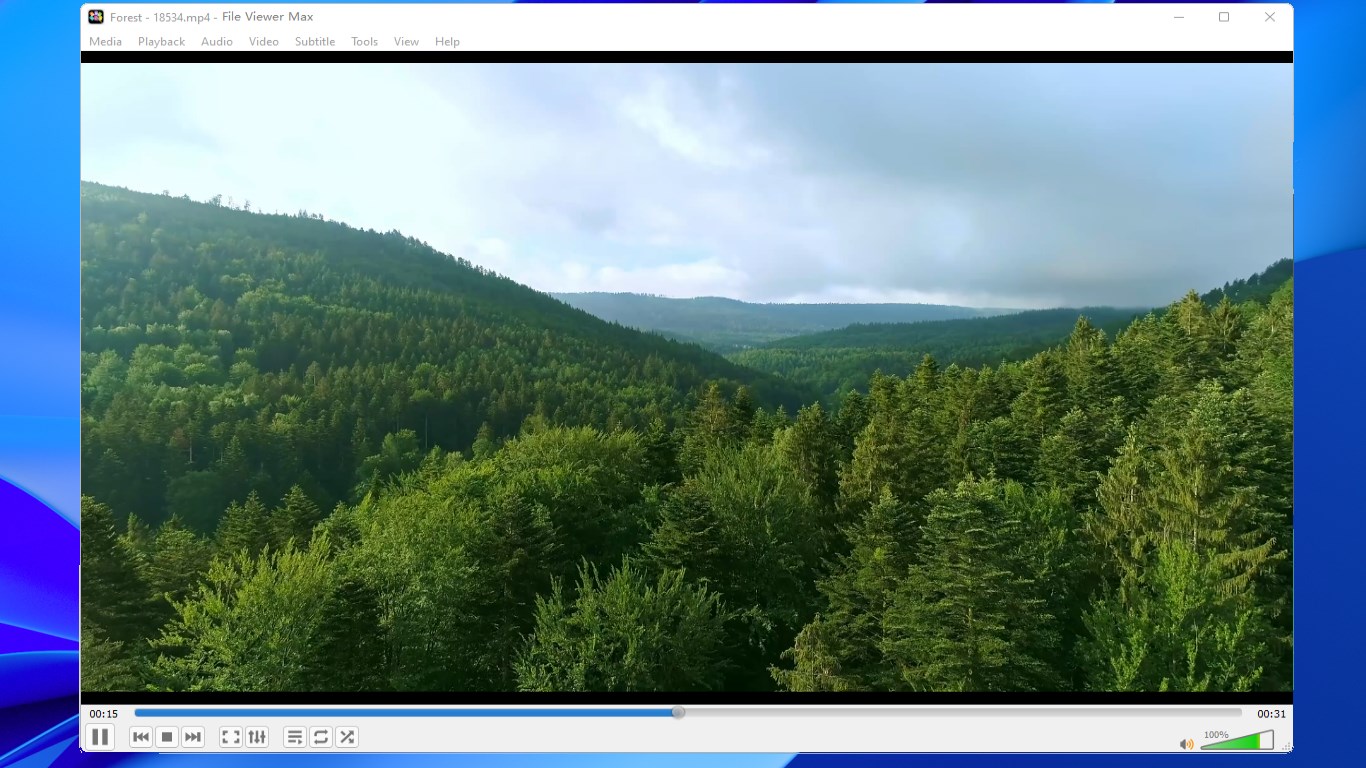
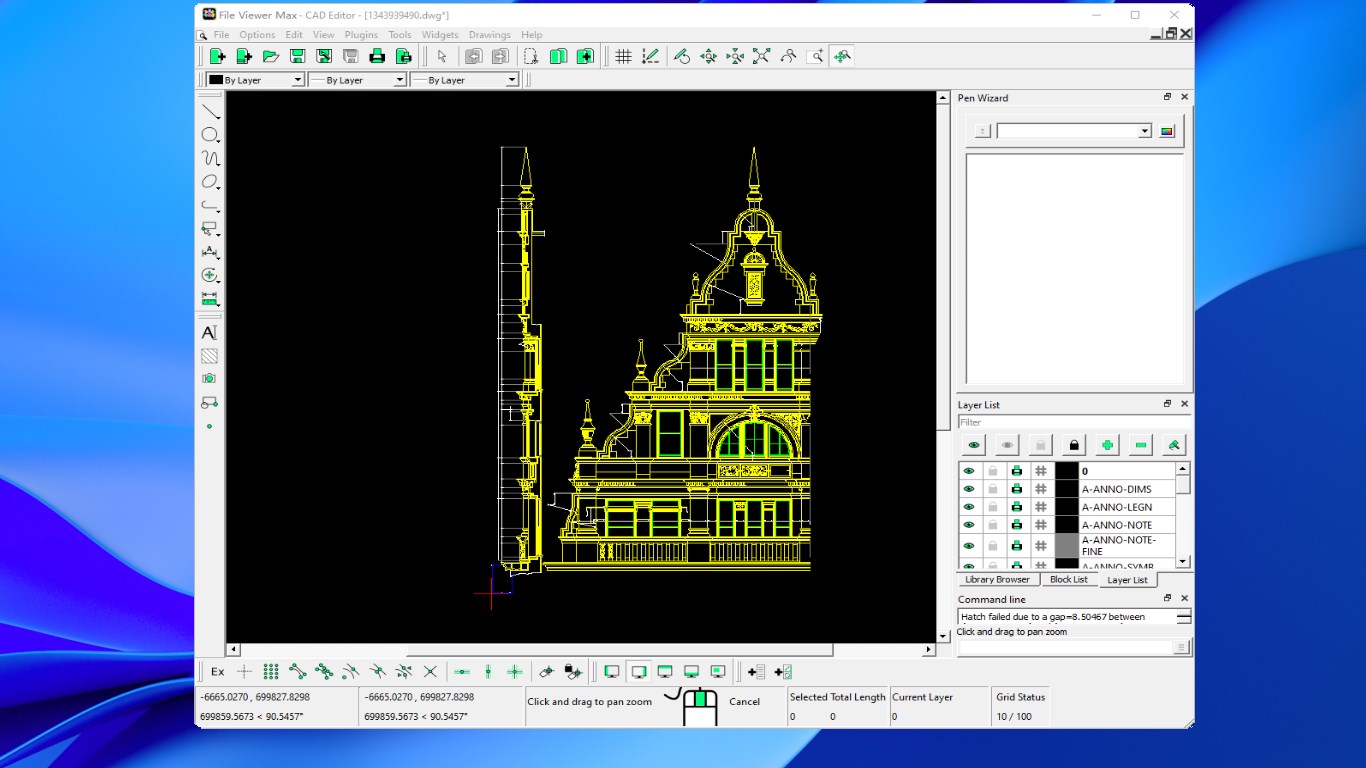
Read our comprehensive review of File Viewer Max for Windows. Learn how this versatile tool opens over 500 file formats seamlessly without extra software.
A Seamless Way to Open Hundreds of Formats
We have all experienced the frustration of double-clicking a document, image, or media archive only to be met with an error message demanding a specialized program. File Viewer Max universal file opener solves this digital headache by acting as a single, highly versatile hub for your viewing needs on Windows. Developed by Some Media Apps, this utility eliminates the clutter of installing dozens of single-purpose applications just to read basic or niche formats.
In our review of this tool, the standout aspect is the sheer breadth of its compatibility. It bridges the gap between different software ecosystems by natively displaying everything from standard office documents to complex developer source code, making it an excellent addition to any productivity suite.
Key Capabilities of the File Viewer Max Universal File Opener
Whether you are managing media archives or trying to review legacy project files, this utility handles the heavy lifting. Below is a breakdown of the primary categories it supports:
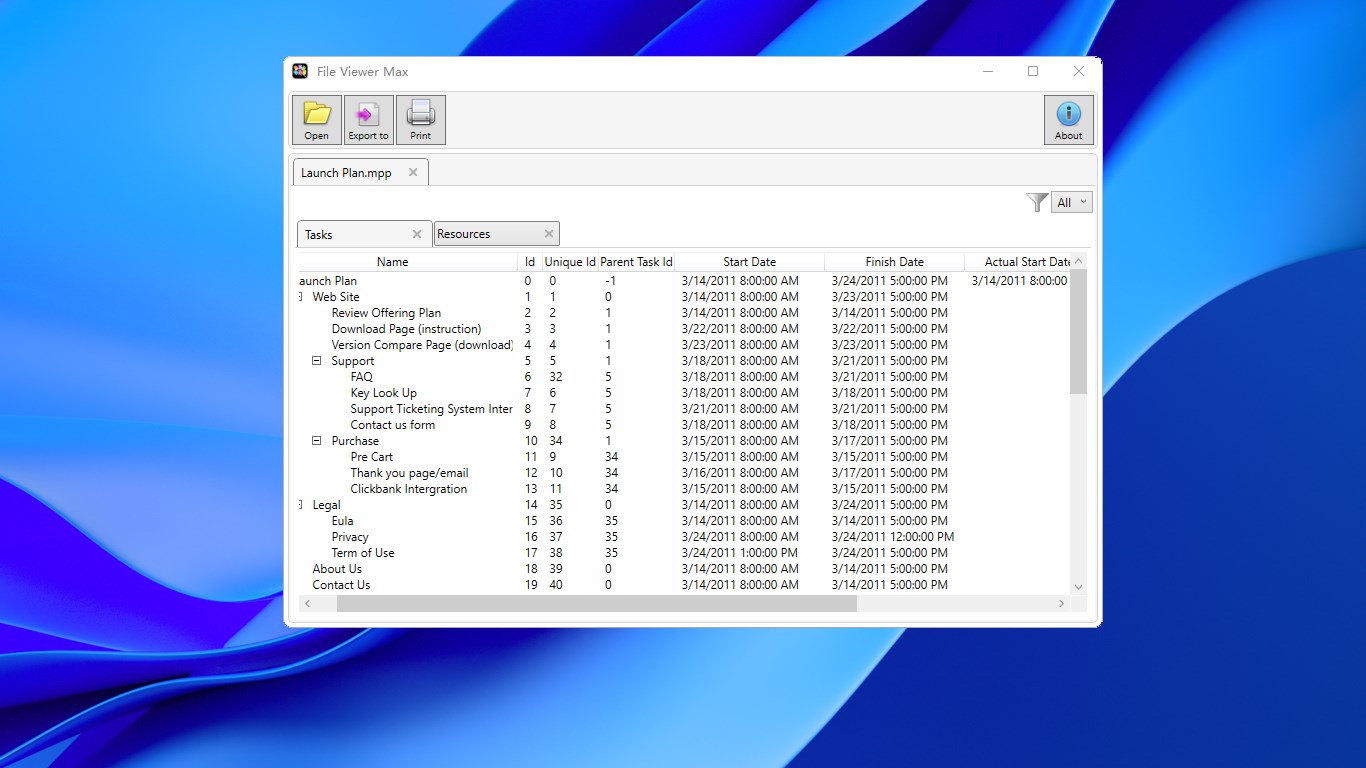
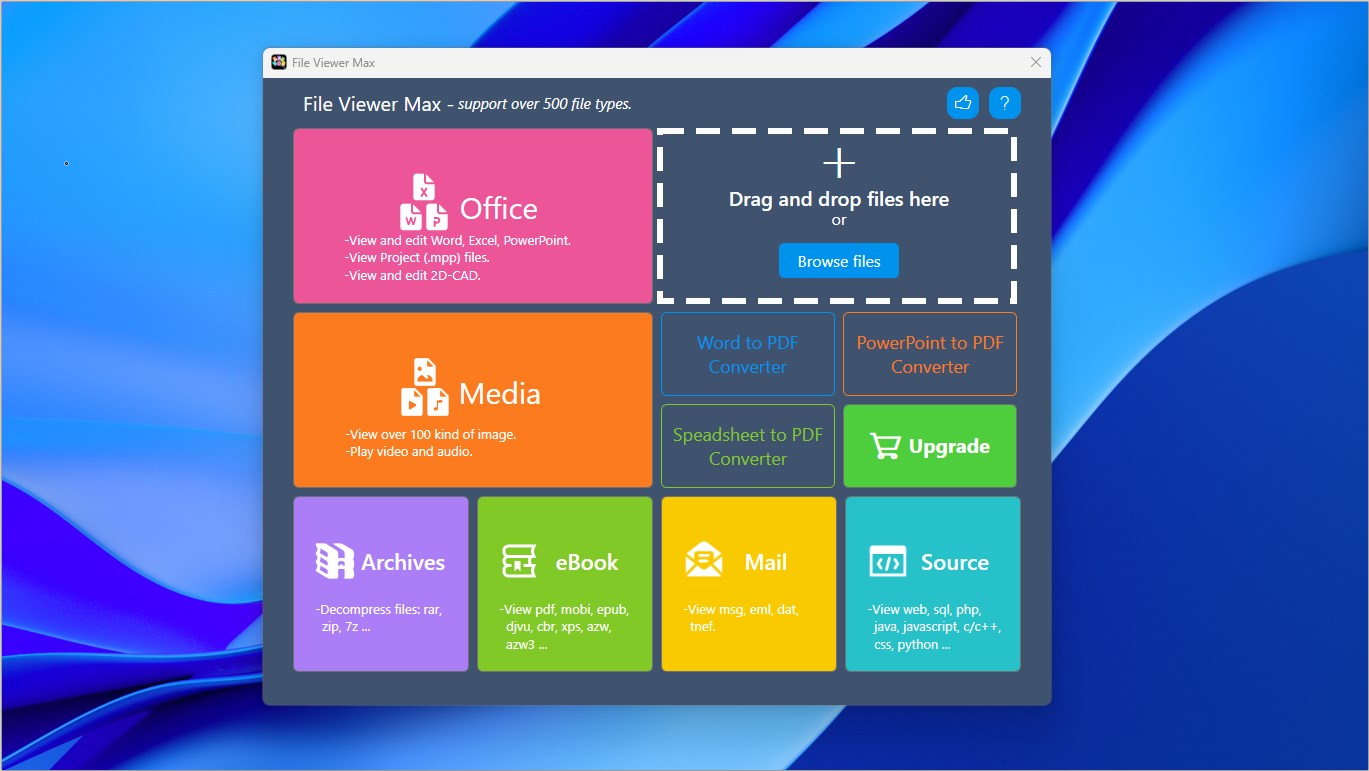
- Office & Project Documents: Supports over 100 office formats (including Microsoft Word, Excel, PowerPoint, and PDFs) alongside specialized Microsoft Project files (.MPP).
- Images & Graphics: Instantly displays standard raster graphics, vector files, and RAW camera formats from major camera manufacturers.
- Audio & Video Playback: Plays back over 150 multimedia formats, allowing you to view videos and listen to audio tracks without downloading external codecs.
- Compressed Archives: Extracts and browses the contents of 161 archive types, from ZIP and RAR to complex virtual disk images.
- Developer & Plain Text: Features syntax highlighting and clear rendering for 159 source code and text file formats.
Who Is This Utility For?
The File Viewer Max universal file opener is built for professionals, students, and casual users who frequently receive diverse files from different sources. Instead of cluttering your Windows operating system with resource-heavy design suites or obscure database viewers, you can rely on this single interface to quickly inspect, read, or play back incoming files. It is particularly useful for legacy data migration, allowing you to open older formats that modern software suites have phased out.
Our Verdict: A Highly Efficient Productivity Companion
If you want to streamline your workflow and keep your Windows environment clean, this application is a stellar choice. It performs reliably across diverse categories and respects your system resources. While there is an optional premium version available for users who wish to support the developer's work directly, the core viewing features are highly accessible. To explore its massive compatibility list and add this versatile utility to your toolkit, visit the official Microsoft Store page today.