
Drawboard PDF + Notes
Read our comprehensive review of Drawboard PDF + Notes. Discover how this Windows app redefines digital document annotation with pen-and-paper precision.
A New Standard for Digital Document Markup
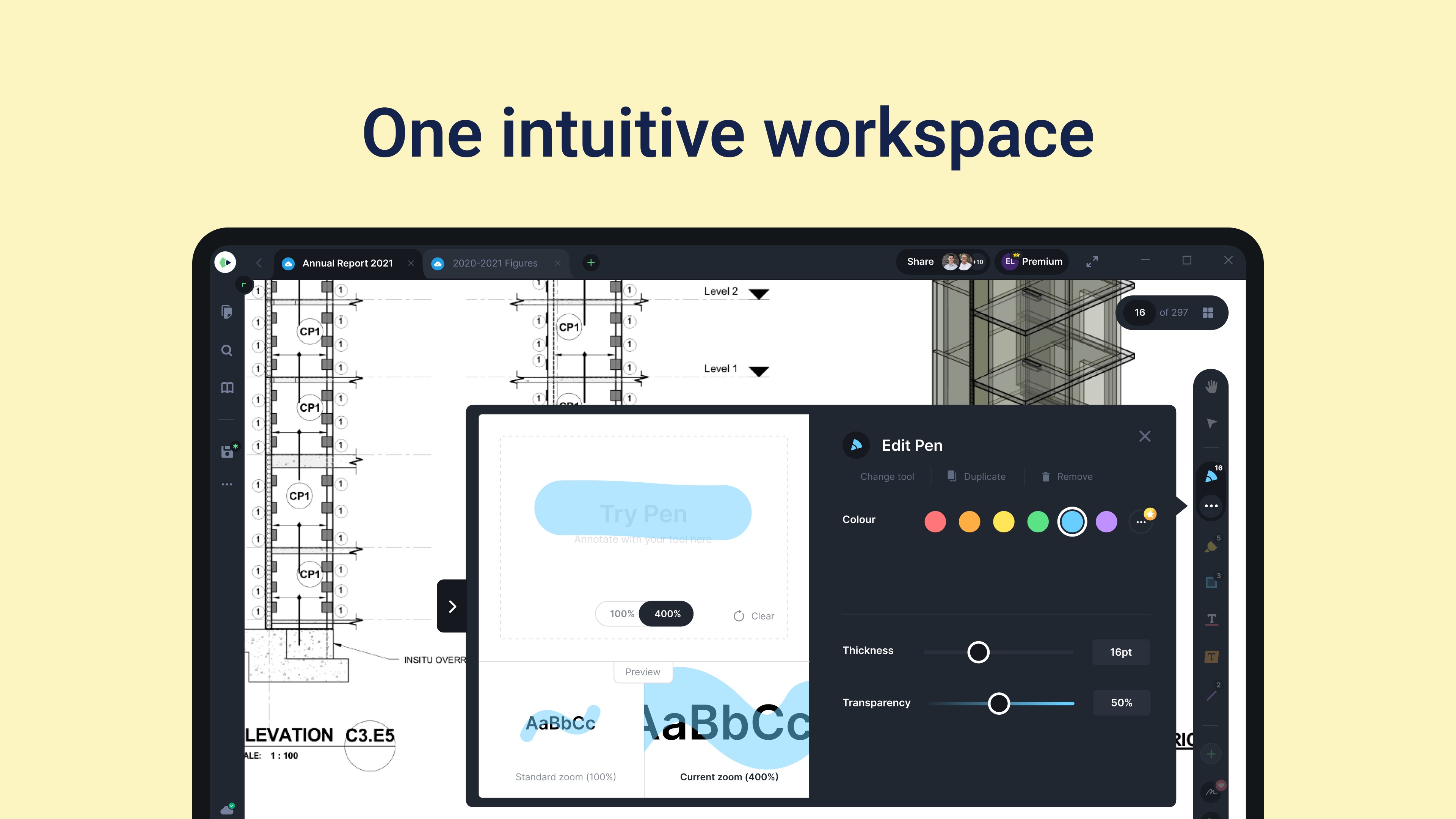
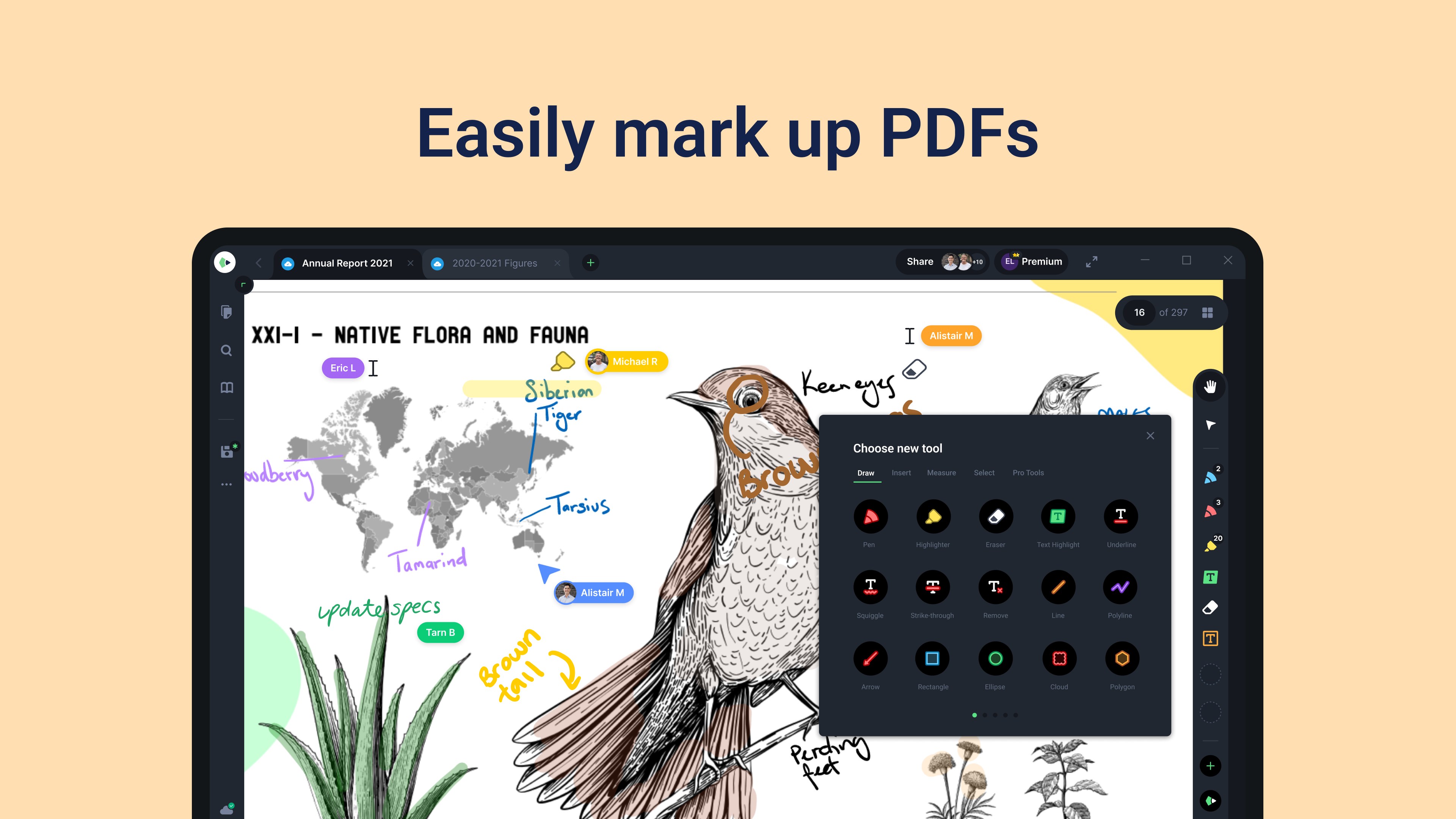
Imagine the tactile precision of writing on actual paper, combined with the infinite flexibility of digital file management. That is the exact experience Drawboard PDF document annotation delivers to your Windows device. Instead of wrestling with clunky text boxes and rigid formatting tools, this application treats your digital files as a physical workspace, allowing for fluid, natural pen-and-ink interactions that feel remarkably intuitive.
Key Features of Drawboard PDF + Notes
Whether you are managing complex blueprints or reviewing lecture notes, the platform provides a robust toolkit designed to streamline your daily document workflows:
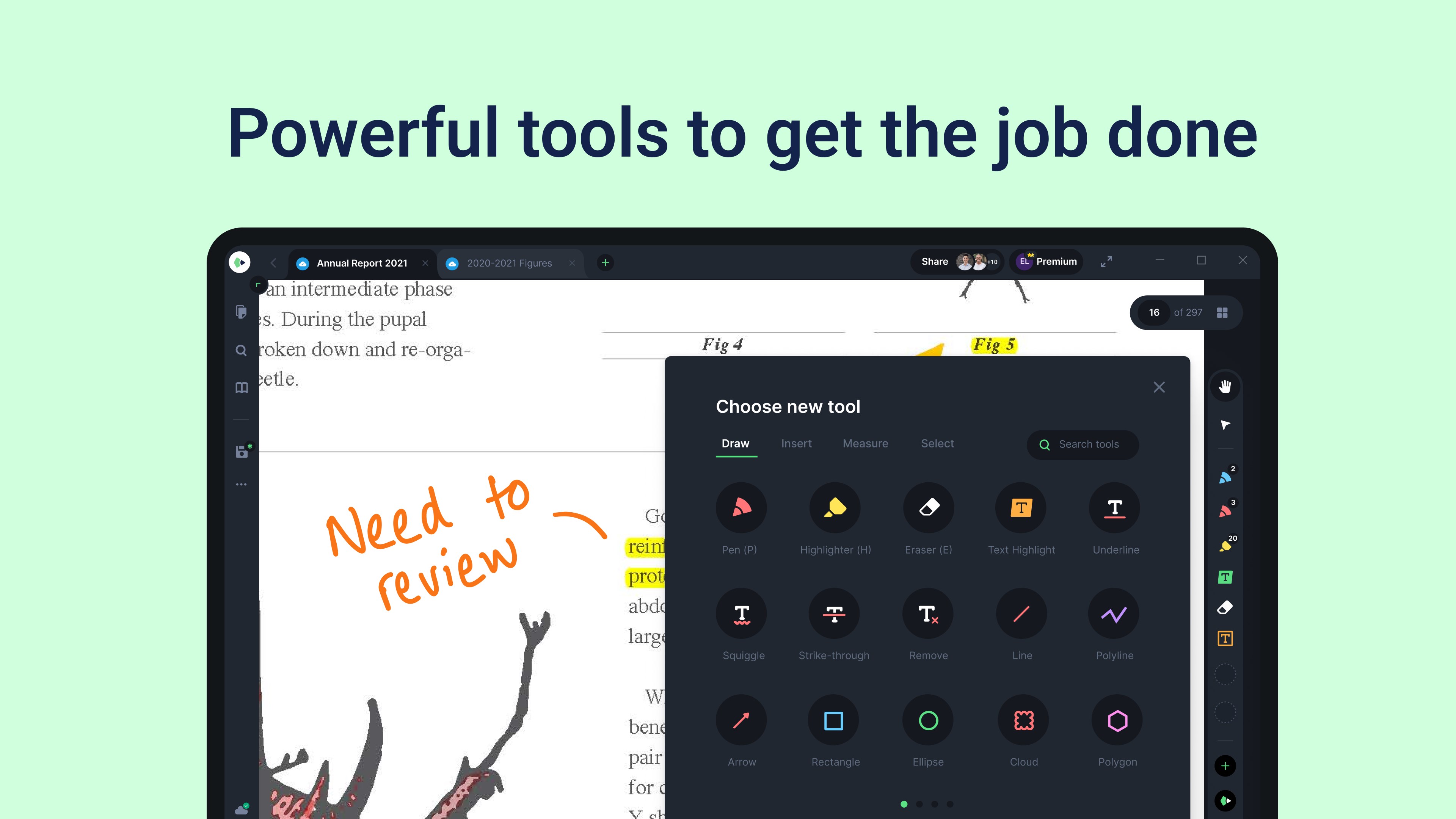
- Natural Ink Engine: Write, draw, and sketch with pressure-sensitive ink that mimics traditional pen and paper.
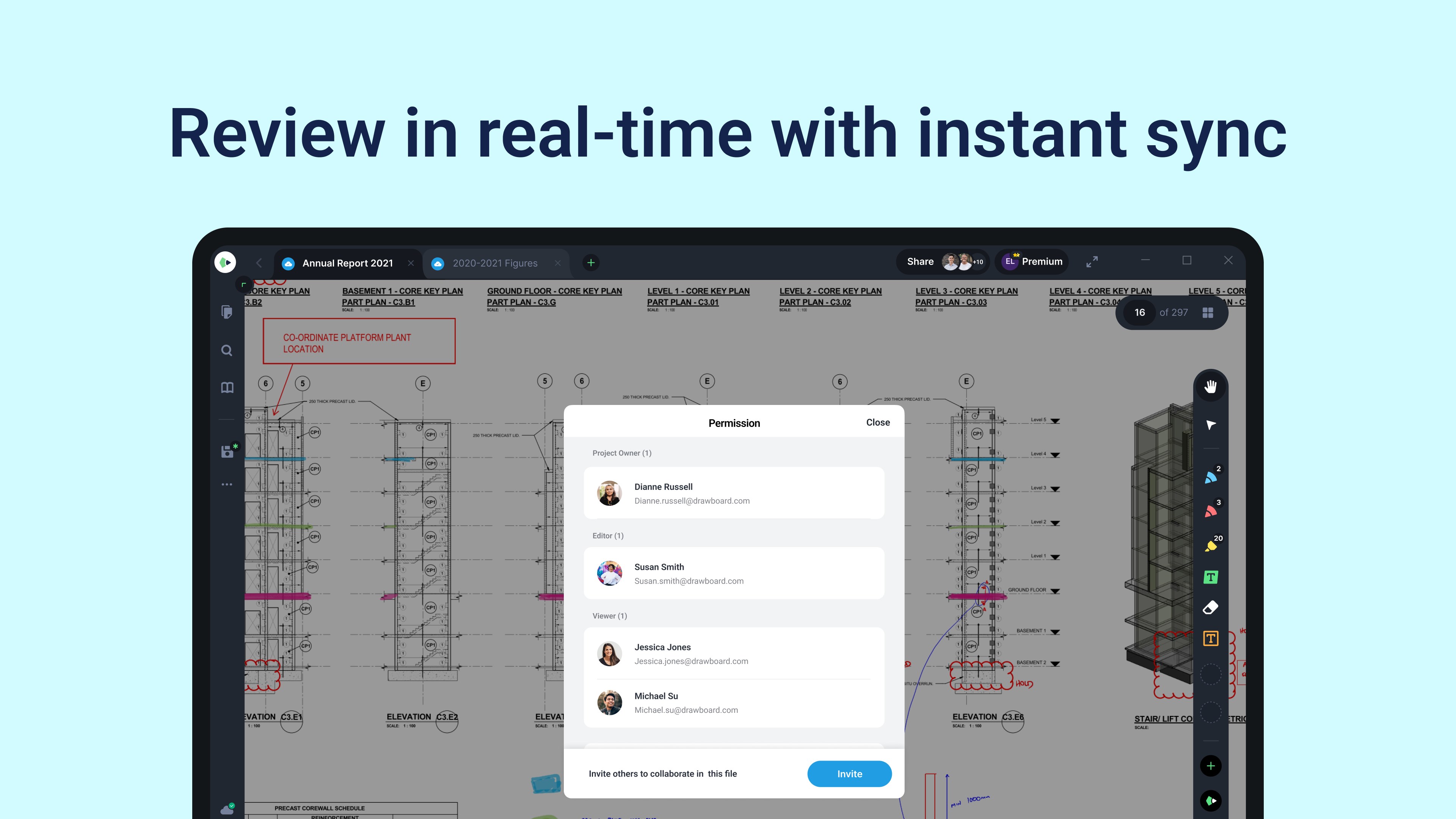
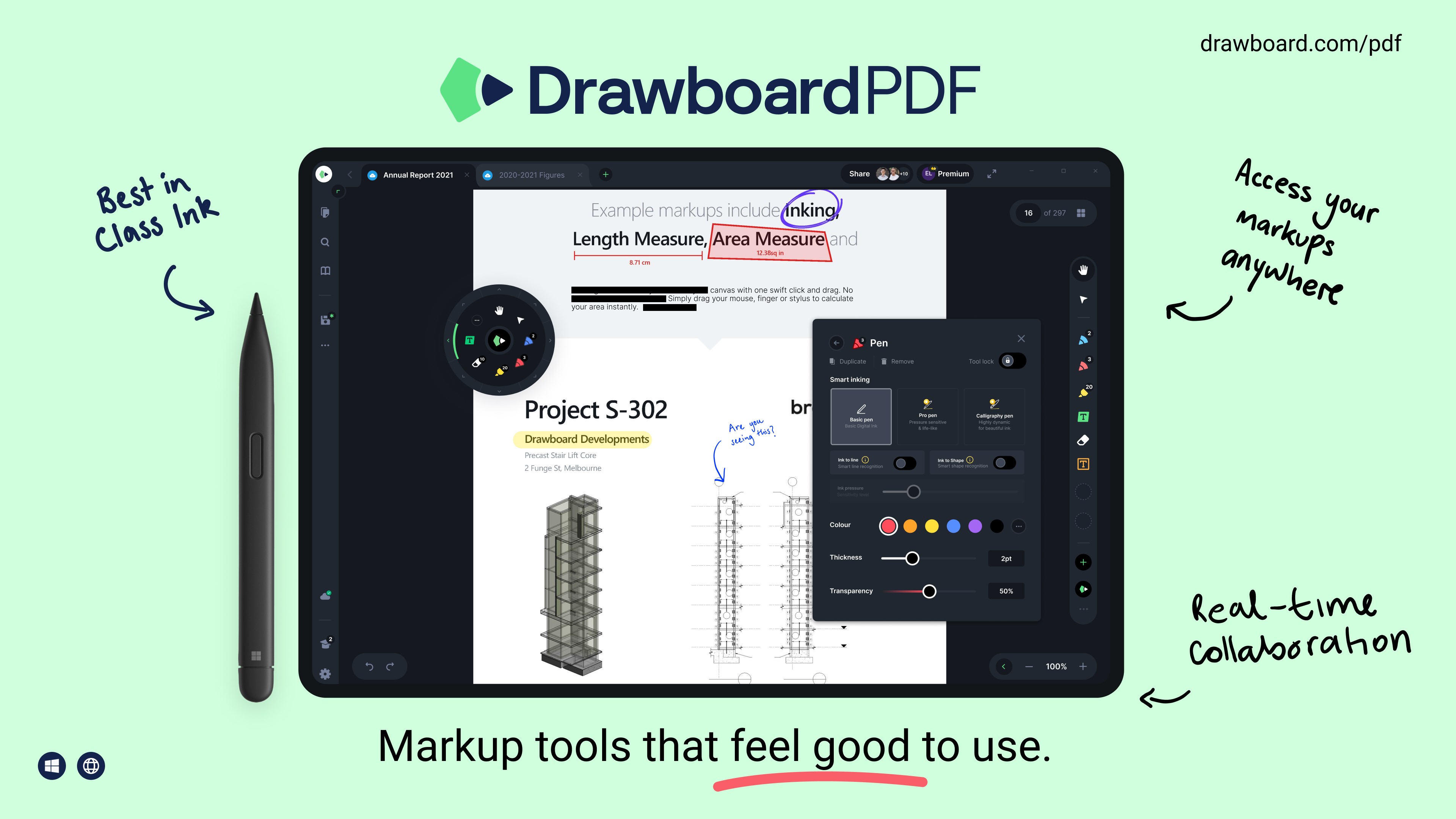
- Collaborative Cloud Sync: The optional Pro subscription features Store+Share, keeping your team synchronized with real-time cloud markups.
- Advanced Engineering Tools: Calibrate documents to scale, measure linear distances or areas, and utilize engineering line styles.
- Document Builder: Merge, rearrange, and restructure PDF files effortlessly.
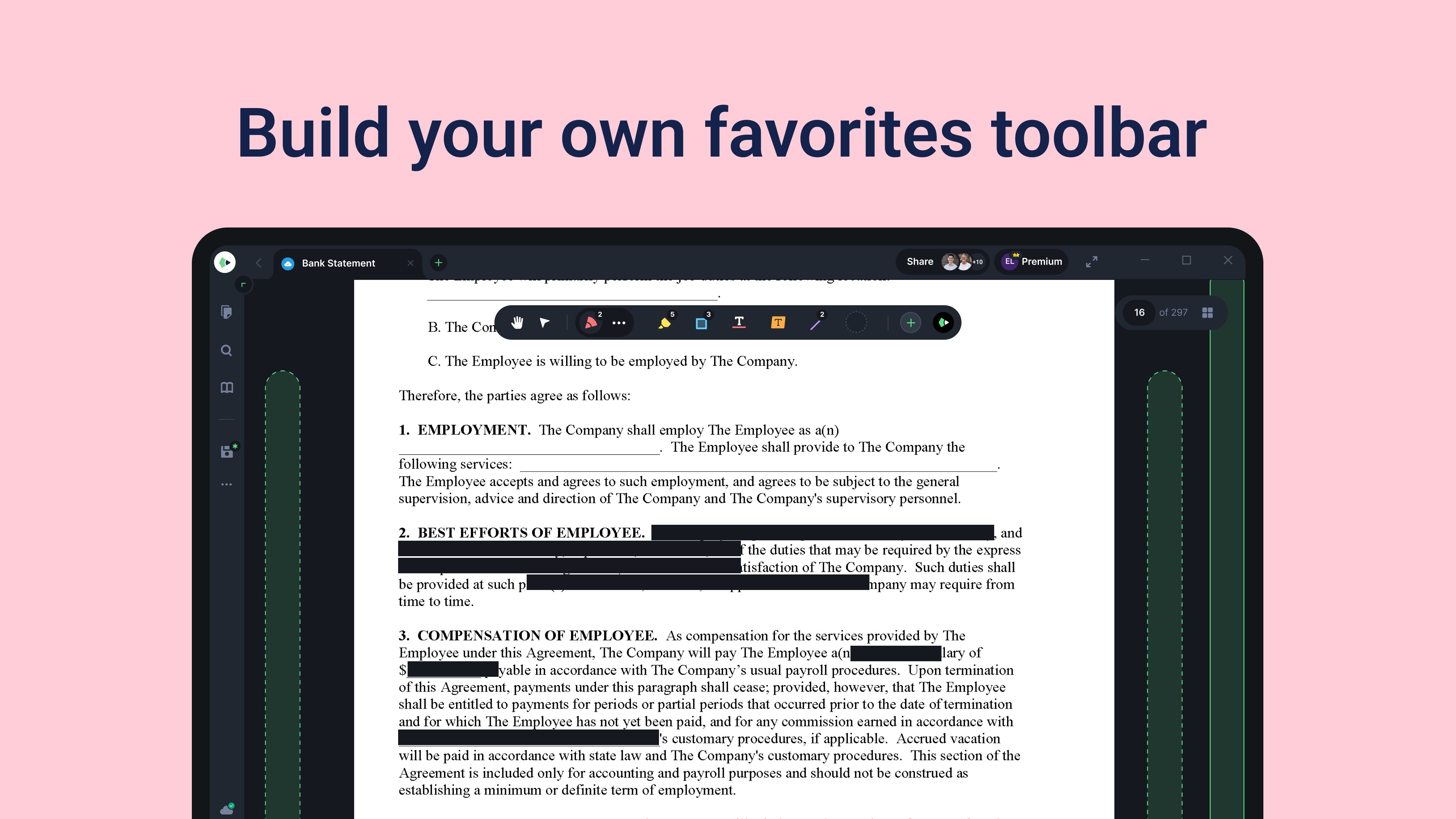
- Interactive Annotations: Add hyperlinked text, insert callouts for clear reviews, and use a digital protractor for precise angles.
Who Benefits Most From This Tool?
This software is engineered specifically for professionals and students who demand more than a basic reader. Architects, structural engineers, and construction teams leverage the scale-calibration and measurement tools to review CAD drawings. Lawyers and corporate teams utilize the secure e-signing and form-filling capabilities. Meanwhile, educators and students find the custom grids, lines, and color palettes invaluable for structured note-taking.
Maximize Efficiency with Drawboard PDF document annotation
By moving your markup processes to a highly responsive digital environment, you eliminate the need to print, annotate, scan, and shred physical documents. The app serves as a sustainable, highly efficient hub for all your design reviews, homework grading, and contract signing. For those seeking a professional-grade markup companion on Windows, this tool stands out as an industry leader.
Ready to upgrade your digital workspace? You can explore and acquire this application directly from the official Microsoft Store.