

Py Editor for Python
Discover Py Editor for Python, a native macOS IDE with Python 3.11 pre-installed. Read our full review of its features, built-in packages, and tutorials.
An Out-of-the-Box Mac IDE for Modern Developers
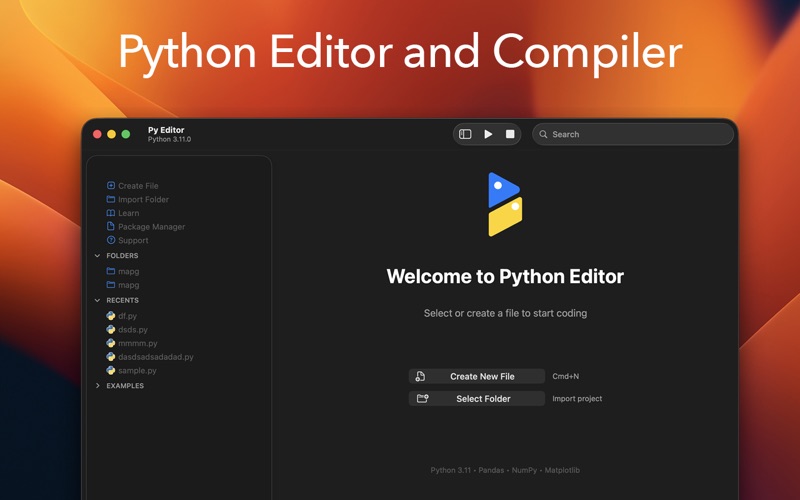
For macOS users, setting up a local programming environment can often feel like a chore. From managing virtual environments to configuring system paths, the initial setup frequently gets in the way of actual coding. The Py Editor for Python app by Andromeda Corp Limited solves this friction entirely. Built natively for macOS using Swift and AppKit, this sleek IDE lets you write and execute Python code immediately after launching, requiring zero external installation or terminal configuration.
By embedding Python 3.11 directly into the application, the developers have created a self-contained sandbox. Whether you are a student learning the ropes or a professional prototyping a quick script, this tool bypasses the traditional overhead of larger desktop IDEs to deliver a responsive, distraction-free environment.
Core Features of the Py Editor for Python App
- Pre-Configured Data Science Stack: The application comes code-signed and packaged with essential libraries, including NumPy, Pandas, Matplotlib, Requests, BeautifulSoup, and Pillow.
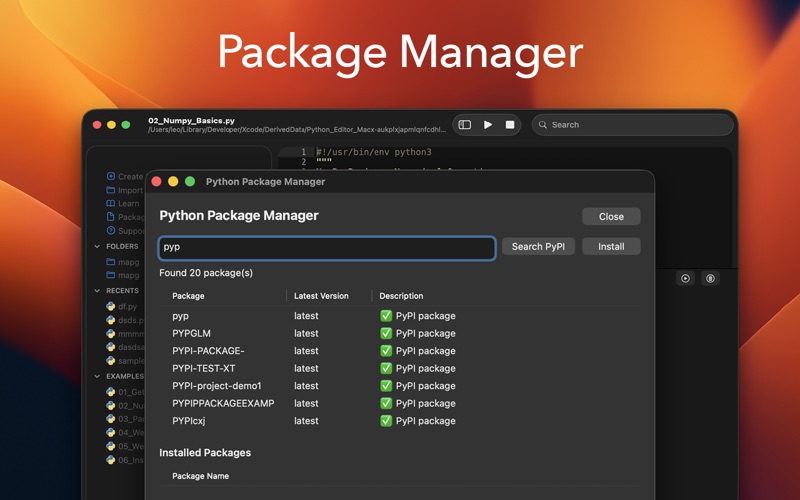
- Integrated Package Manager: Easily search and install additional pure-Python packages directly from PyPI without ever opening your terminal.
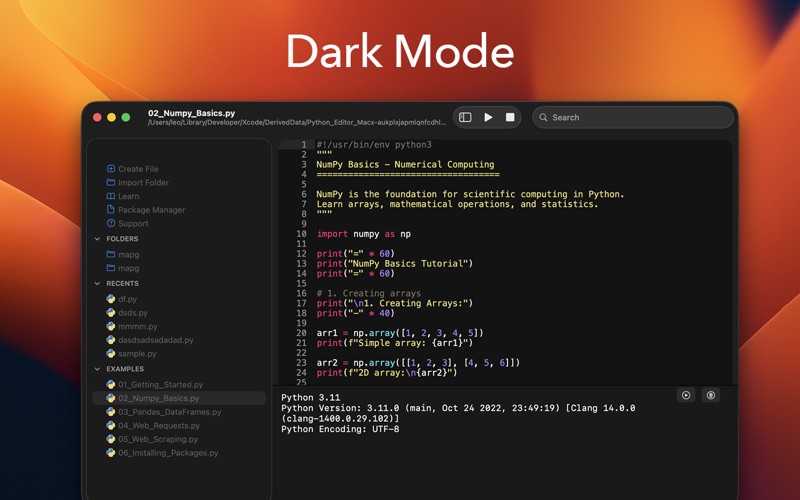
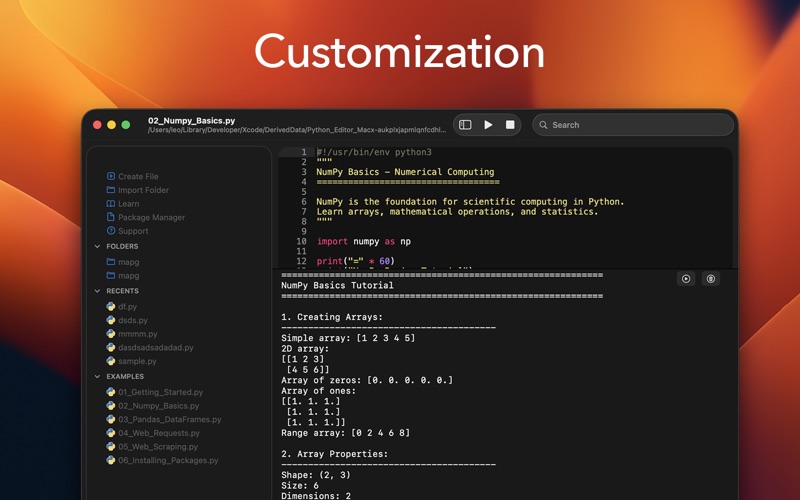
- Ace-Powered Code Editor: Experience syntax highlighting for over 150 programming languages, smart code folding, auto-completion, customizable fonts, and automatic dark mode support.
- Built-In Educational Resources: Jumpstart your learning curve with six detailed tutorial files covering 800+ lines of example code, ranging from basic loops to web scraping techniques.
- Multi-Panel Layout: Manage your workspace efficiently with a three-panel interface featuring file management on the left, code editor and live console in the center, and a preview panel for Markdown, HTML, and SVG on the right.
Who is This Native macOS Tool For?
The Py Editor for Python app is highly optimized for those who value efficiency and performance. Because it is written natively for Apple Silicon and Intel Macs, it runs with minimal memory footprint compared to resource-heavy Electron-based editors. It is an ideal fit for data analysts who need to quickly parse CSV files, web developers testing API calls, and educators looking for a hassle-free classroom environment.
Additionally, the smart file management system uses security-scoped bookmarks to ensure reliable directory access while fully complying with macOS sandboxing guidelines. Recent updates have further refined the experience, resolving file access bugs on macOS Sequoia and improving dark mode visibility.
Start Coding on macOS Instantly
If you want to skip the tedious configuration process and jump straight into writing code, this native tool offers one of the most streamlined experiences available on the Mac platform. To explore its features and begin your coding journey, check out the official Mac App Store to see if it fits your workflow.