

ATLauncher
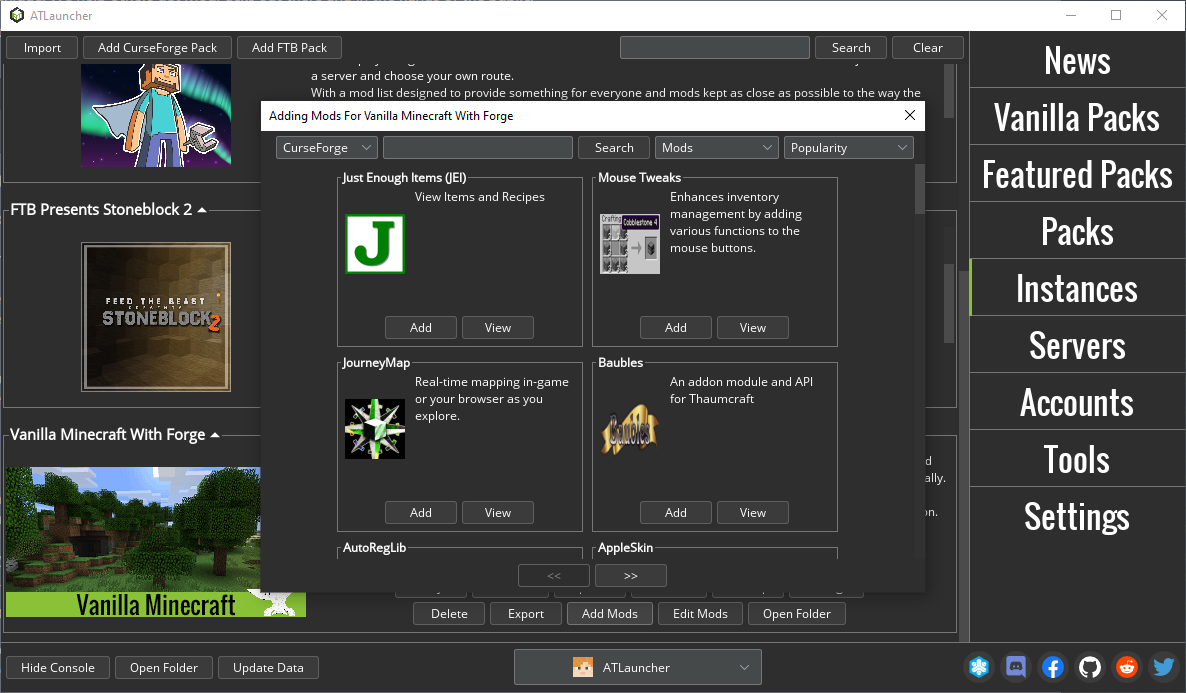
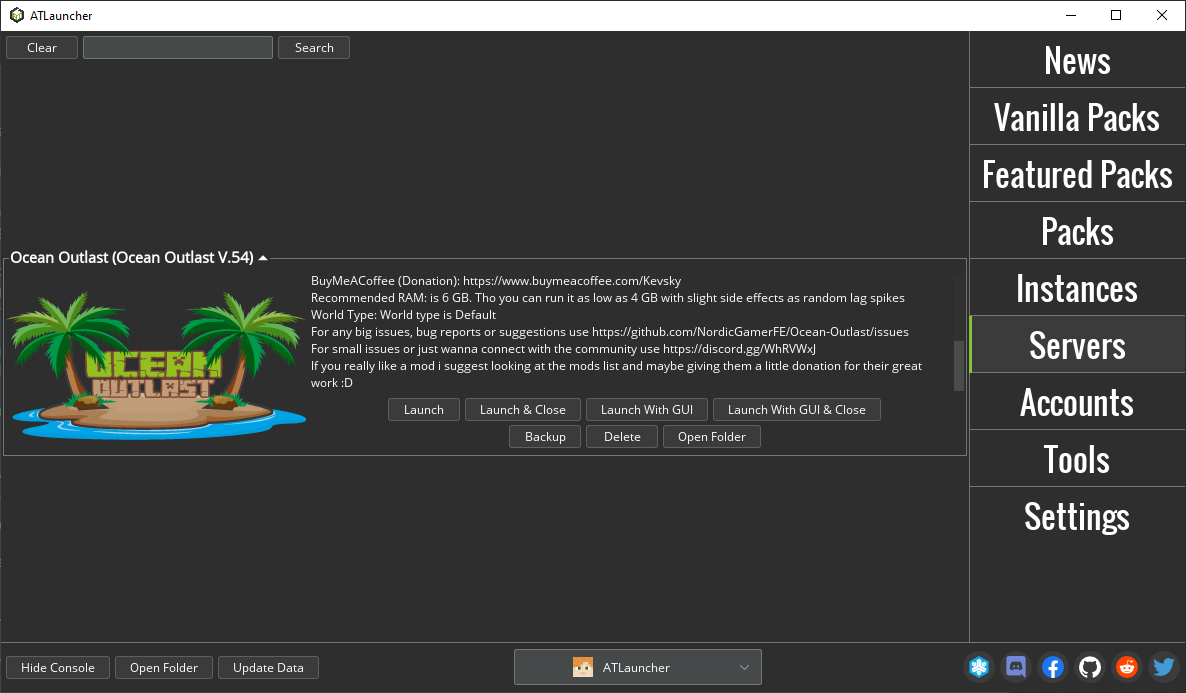
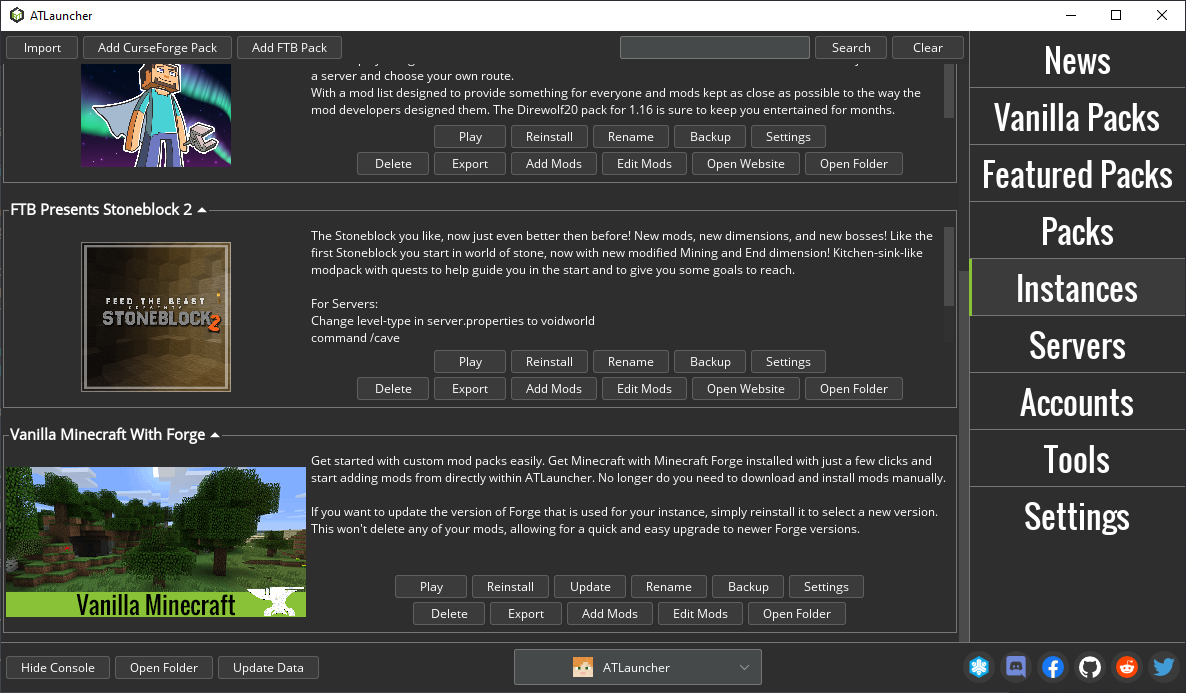
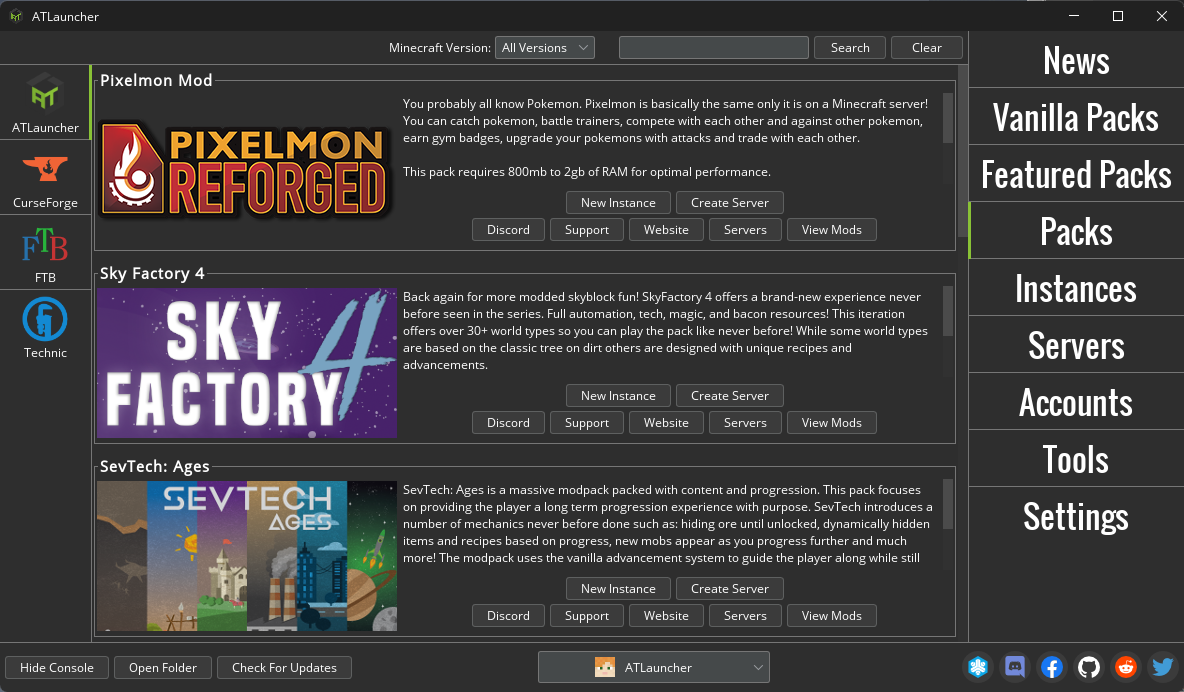
Discover how the ATLauncher Minecraft modpack installer simplifies managing custom instances, server creation, and mods in our comprehensive review.
Streamlining Your Modded Minecraft Experience
The ATLauncher Minecraft modpack installer is a sophisticated desktop utility designed for Linux and other platforms. It simplifies the often tedious process of downloading, configuring, and maintaining custom game instances. Developed by The ATLauncher Team, this open-source tool serves as a centralized hub for players who want to bypass manual file configurations and jump straight into their favorite block-building adventures.
Key Features of ATLauncher
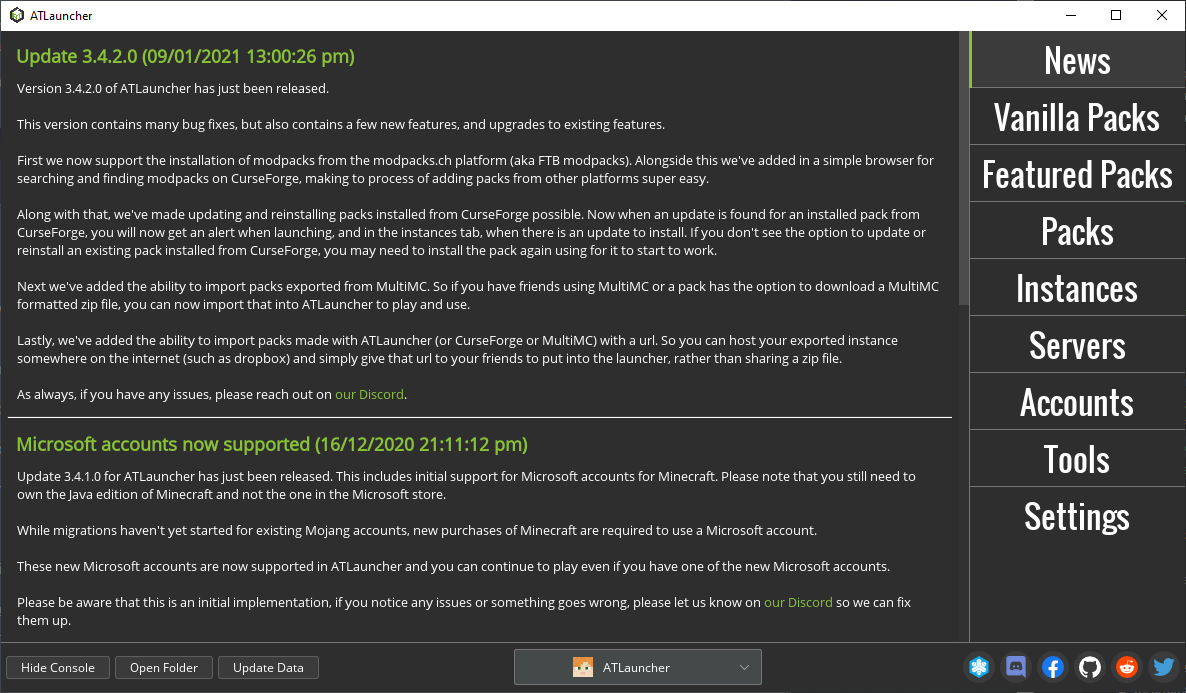
- One-Click Modpack Integration: Effortlessly install diverse modpacks from popular repositories like CurseForge and FTB without manual zip extractions.
- Isolated Multi-Instance Management: Deploy the same modpack multiple times to test different configurations or mods without corrupting your active save files.
- Account Separation: Support for both Mojang and Microsoft accounts allows multiple players to use the same installation securely.
- Private Instances: Lock specific game environments to your profile so other local users cannot modify your worlds.
- Integrated Server Deployment: Set up a local or external server directly from the launcher interface in just a few clicks.
- Automated Backups: Protect your progress with a built-in, single-click backup system for your world saves.
Advanced Linux Configuration via Flatseal
For Linux enthusiasts running ATLauncher as a Flatpak, managing directory permissions is remarkably straightforward. If you want to run the application within a custom directory, you can configure it easily using Flatseal:
- Launch Flatseal and select ATLauncher from the left-hand menu.
- Navigate to the "Filesystem" section and locate "Other files".
- Click the folder icon with the plus sign to append a new directory path (e.g.,
/home/name/Games/ATLauncher). - Scroll to "Environment" and find "Variables".
- Add a new entry assigning your custom directory, such as
CUSTOM_DIR=/home/name/Games/ATLauncher. - Launch ATLauncher to initialize your setup in the newly specified path.
An Essential Tool for Modding Enthusiasts
Whether you are managing complex resource packs from Modrinth or hosting a private server for friends, this launcher eliminates the friction of traditional modding. If you are ready to upgrade your setup, head over to the official Flathub store page to explore the ATLauncher Minecraft modpack installer for your Linux system.