
#1 Password Manager
Read our comprehensive review of #1 Password Manager for Windows 11. Learn how this local encryption tool keeps your credentials secure without the cloud.
Remembering unique, complex credentials for dozens of digital accounts has become one of the most frustrating aspects of modern life. Many of us resort to dangerous habits like reusing simple passwords or writing them down on scrap paper. The #1 Password Manager local credential vault by CompaNova LLC offers a robust, offline solution to this digital headache, specifically tailored for Windows users who want to keep their sensitive data entirely under their own control.
What is the #1 Password Manager Local Credential Vault?
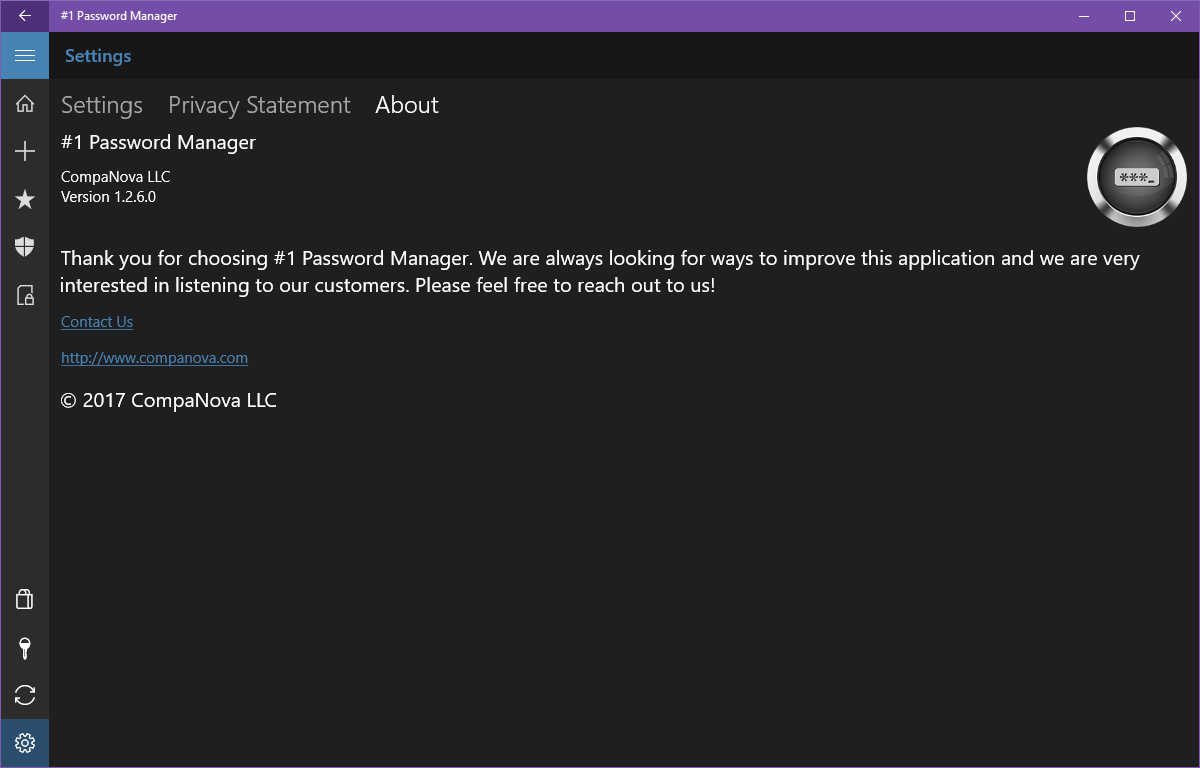
This Windows application is a dedicated utility built to securely store passwords, login credentials, and private personal data on your local machine. Unlike many modern alternatives, this software bypasses cloud storage entirely, ensuring your encrypted vault never leaves your physical device. It is designed to run natively on Windows, offering a clean, modern interface that fits perfectly into the desktop environment.
Uncompromising Security Architecture
For a security tool, the underlying technology is what matters most. This application utilizes industry-standard protocols to guarantee that your data remains unreadable to unauthorized parties:
- AES-256 Rijndael Encryption: Your stored data is encrypted using the Advanced Encryption Standard with a 256-bit key, a standard trusted by governments and security experts worldwide.
- SHA-512 Master Password Hashing: Access to your vault is guarded by a Master Password. The app hashes this password using the advanced SHA-512 algorithm, meaning your key is never stored in plain text and cannot be bypassed.
- Zero-Cloud Footprint: Because everything is saved locally, there are no remote servers or databases for hackers to breach. Your security boundary is physical to your device.
- Inactivity Auto-Lock: To prevent local snooping, the application automatically locks itself after a period of user inactivity.
Convenient Features for Daily Productivity
While security is paramount, usability defines how helpful a password manager truly is. The #1 Password Manager local credential vault includes several features designed to streamline your daily workflow:
Organized Templates and Quick Search
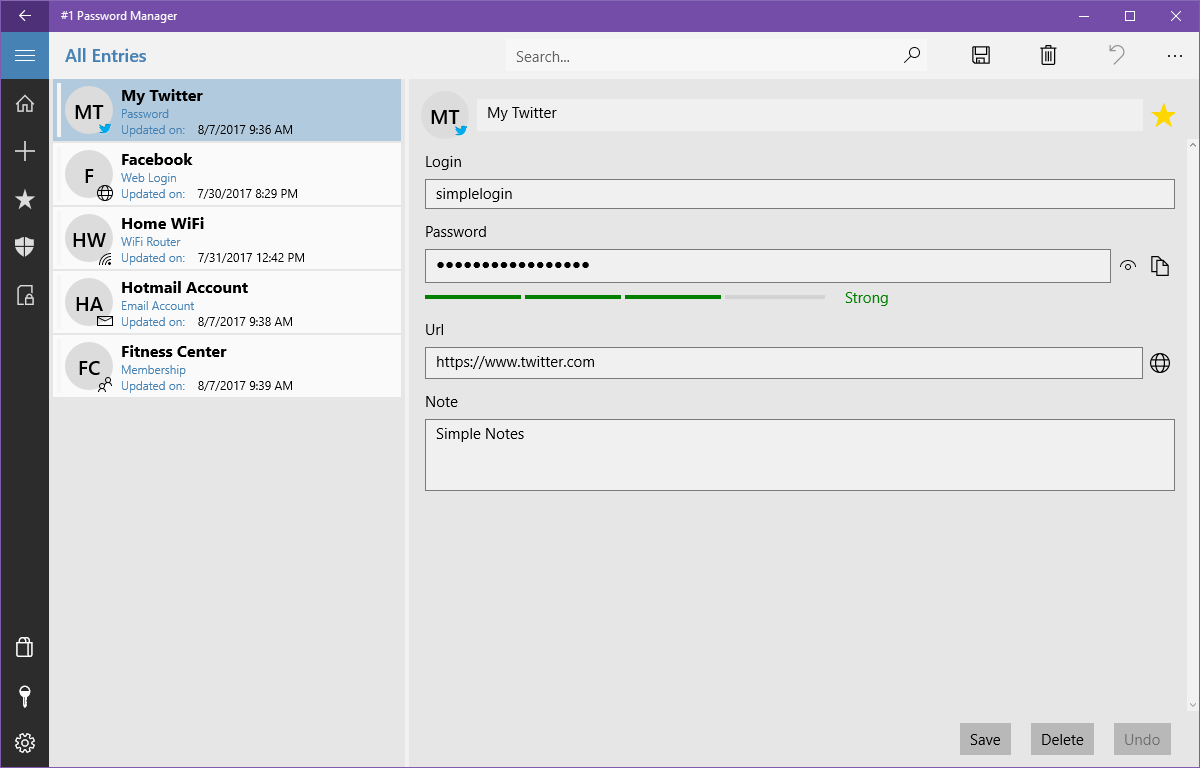
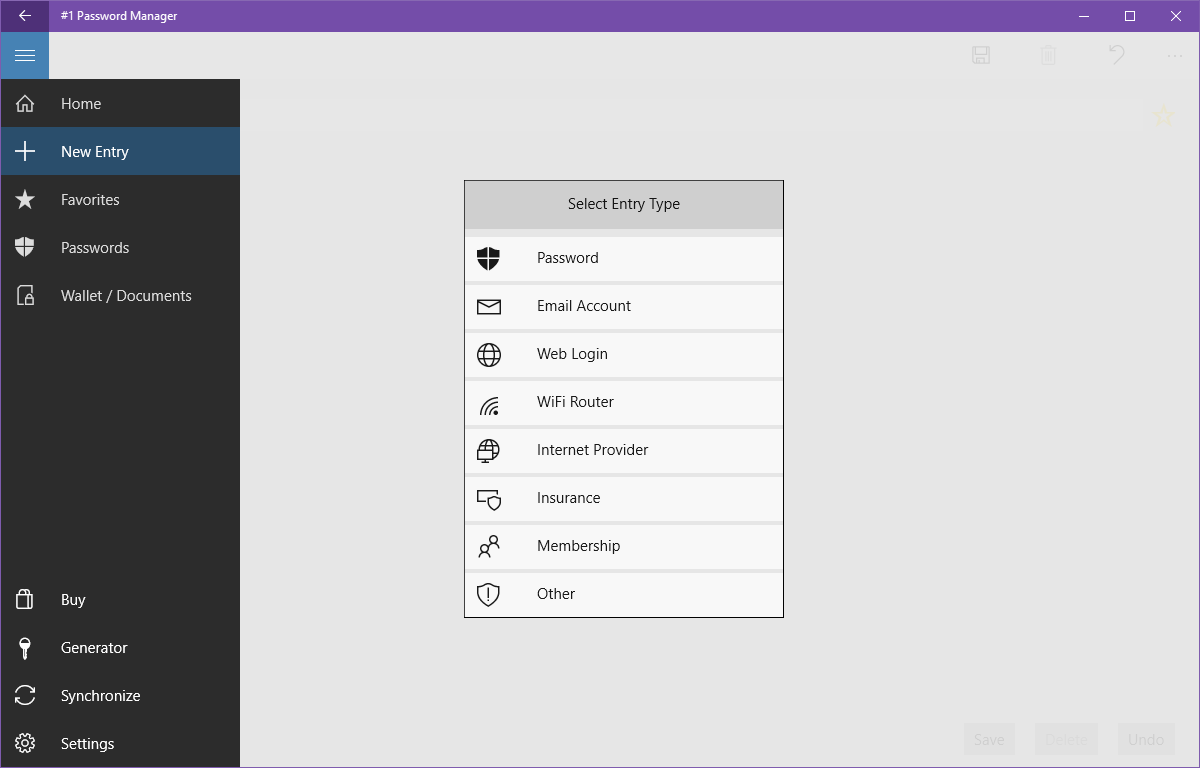
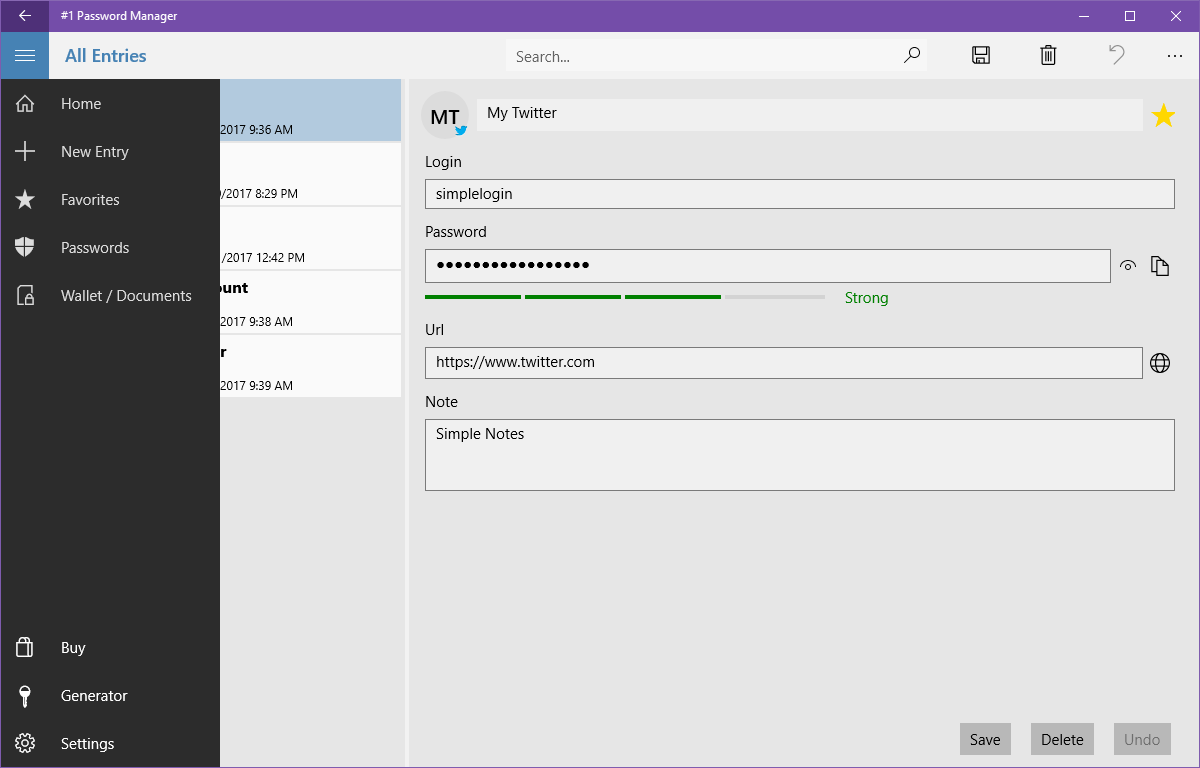
Users can categorize entries by types and groups, making it easy to separate work logins, personal accounts, and financial details. A built-in quick search function and a "Favorites" system allow you to locate your most-used credentials in seconds.
Password Generator and Strength Testing
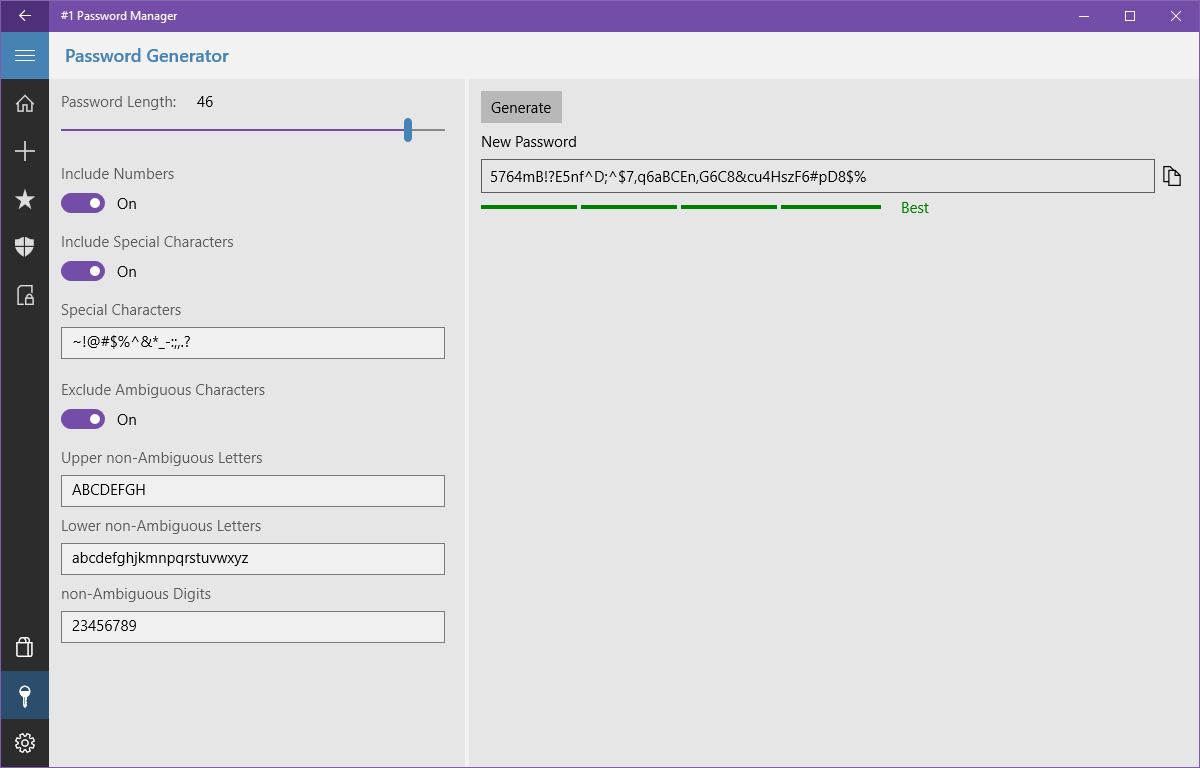
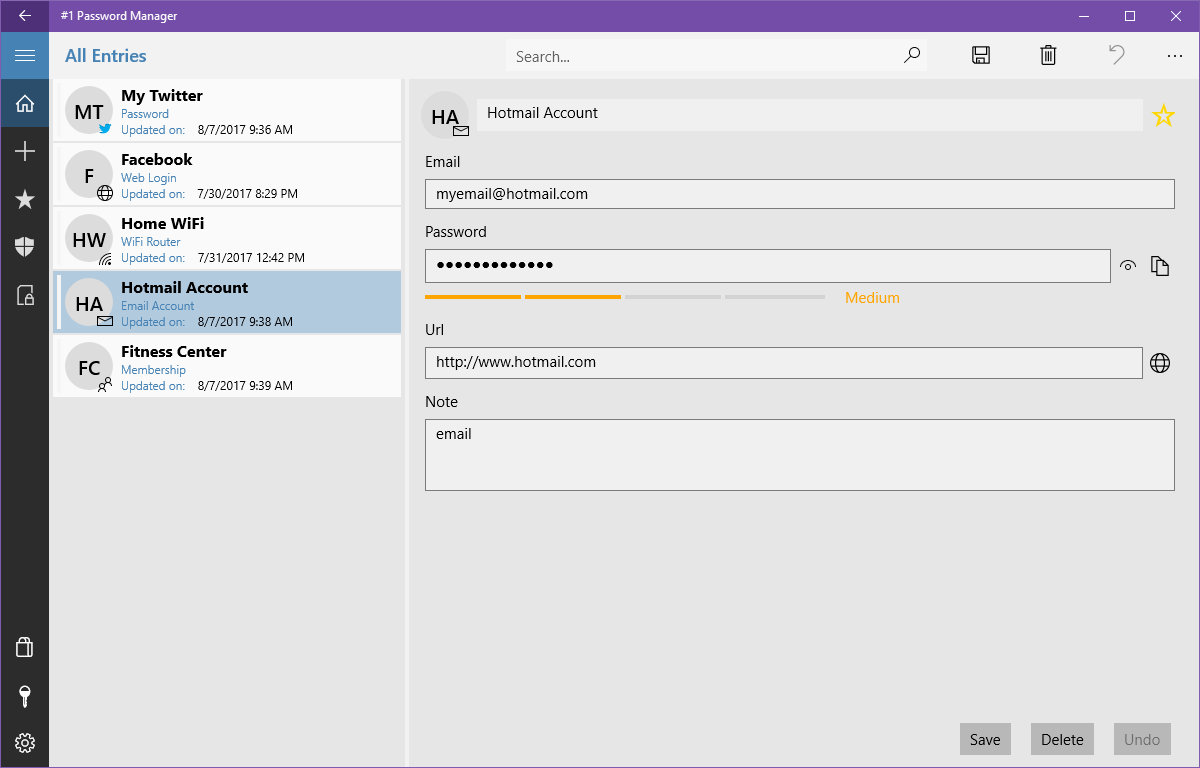
Creating strong, random passwords is simple with the integrated generator. If you are unsure about your existing credentials, the built-in strength test analyzes them to ensure they meet modern safety standards.
Safe Local Backups
Since your database resides on your local machine, the application features built-in backup and restore capabilities. This allows you to safely archive your encrypted vault to an external drive, ensuring you can recover your data if your device is damaged or replaced.
Is It Right for You?
If you prefer to have absolute ownership over your database and distrust cloud-based subscription services, this offline tool is an exceptional fit. It offers a secure, reliable, and user-friendly desktop archive for your digital identity.
To try out this security tool for yourself, head over to the official Microsoft Store to download the application on your Windows device.